
Remote audit readiness: what sponsors and sites often miss
Remote audits require a different kind of preparation than traditional in-person ones. The documents are similar. The scrutiny is the same. But the logistics of navigating files, accessing systems, and communicating in real time over a video call introduce friction that a binder handed across a table never did. A binder can be flicked through even when it's mildly disorganised. A shared drive with inconsistent folder names and half a dozen login prompts cannot.
A seven-year analysis of FDA clinical investigator inspection outcomes found that "adequacy of records" was among the most common categories of inspection finding, second only to protocol adherence. That's a striking result given how much attention studies pour into protocol design and data quality. It suggests that a meaningful share of inspection problems are not about whether the right things were done, but about whether the evidence that they were done is organised, accessible, and presentable when someone asks to see it, which is exactly the failure mode remote audits make worse if it isn't fixed in advance.
Where things go wrong
The most common problems during remote audits are not about data quality. They are about access and organisation:
- Audit documents scattered across multiple platforms with inconsistent naming conventions
- Auditors unable to log in because credentials were not set up in advance
- Files stored in different places depending on who uploaded them
- Final documents that are unsigned, or signed in a format the auditor cannot verify
These are solvable problems. They just require preparation that most teams delay until the week before, and they map closely onto exactly the "adequacy of records" category the FDA data flags as a recurring weak point.
Four things to get right before an audit
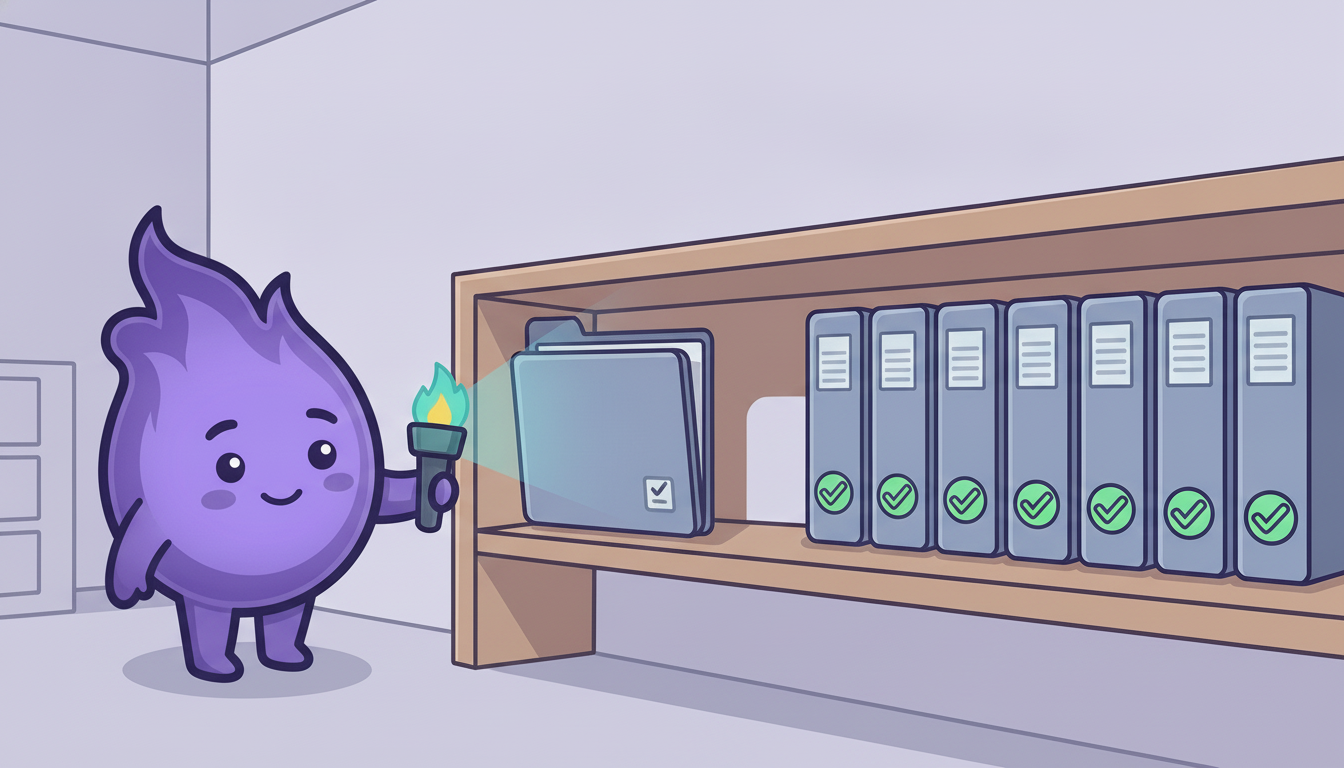
Centralise the audit layer. Even if source files live across multiple systems, auditors should be able to navigate everything from one place. A dedicated digital binder with pre-configured access, a clear navigation guide, and labelled sections by document type makes a significant difference.
Test access early. Log in as an external user using a clean browser before the audit. Use someone outside the core team to test the process. Problems with restricted access, shared credentials, or expired links are far easier to fix two weeks out than on the morning of the audit.
Document your digital infrastructure clearly. Auditors increasingly need to understand which systems were used, when they were implemented, and how data moved between them. A one-page infrastructure overview, written for someone who has not seen your stack before, is worth preparing in advance.
Prepare for screen-sharing walkthroughs. Someone on the team needs to be comfortable navigating the study systems confidently during a live call: demonstrating audit trails, showing where specific data types live, and explaining how the system works without hesitation.
The human element matters too
Beyond the systems, remote audits involve people. Before the audit:
- Assign clear roles so everyone knows who is responsible for what during the call
- Agree on how questions will be handled if the right person is not immediately available
- Run a brief practice session to identify gaps before the real thing
Why this deserves more attention than it gets
Teams routinely spend far more preparation time reviewing the substance of their data than rehearsing how they'll present it, on the reasonable assumption that if the underlying work was done properly, the audit will go fine. The inspection data above complicates that assumption. Adequacy of records is a distinct, frequently-cited finding category in its own right, separate from whether the science or the protocol adherence was sound. A study can have done everything right and still generate a finding purely because the evidence of that was disorganised, hard to locate, or presented in a format the auditor couldn't easily verify.
Audit readiness is not just about having the right documents. It is about being able to present them clearly, quickly, and without visible scrambling. The same quality that would satisfy an in-person auditor needs to translate through a screen, and treating that presentation layer as a genuine deliverable, not an afterthought, is one of the more overlooked ways to reduce avoidable findings.